White background product photos that pass every marketplace
Each marketplace has its own photo rules. Here they are in one place, straight from their help pages, and how PicMerchant makes a photo that passes.
The rules, marketplace by marketplace
| Marketplace | Background | Fill | Size | Source |
|---|---|---|---|---|
| Amazon (main photo) | Pure white, RGB 255, 255, 255 | Product fills about 85% of the frame | 1,000 px or larger for zoom; at least 500 px | Amazon Seller Central |
| eBay | Clean background recommended | — | At least 500 × 500 px; 1600 × 1600 recommended | eBay photo tips |
| Etsy | Your choice | — | 2000 px or more each way recommended; first photo at least 635 px | Etsy Help |
| Walmart | White background for the main image | Product centered | 2200 × 2200 px recommended | Walmart Marketplace Learn |
Amazon also bans text, logos, watermarks and inset images on the main photo unless they’re part of the product itself.
Make a photo that passes, in four steps
- Cut the product out (fix any edge by hand).
- Take off any supplier logo or watermark.
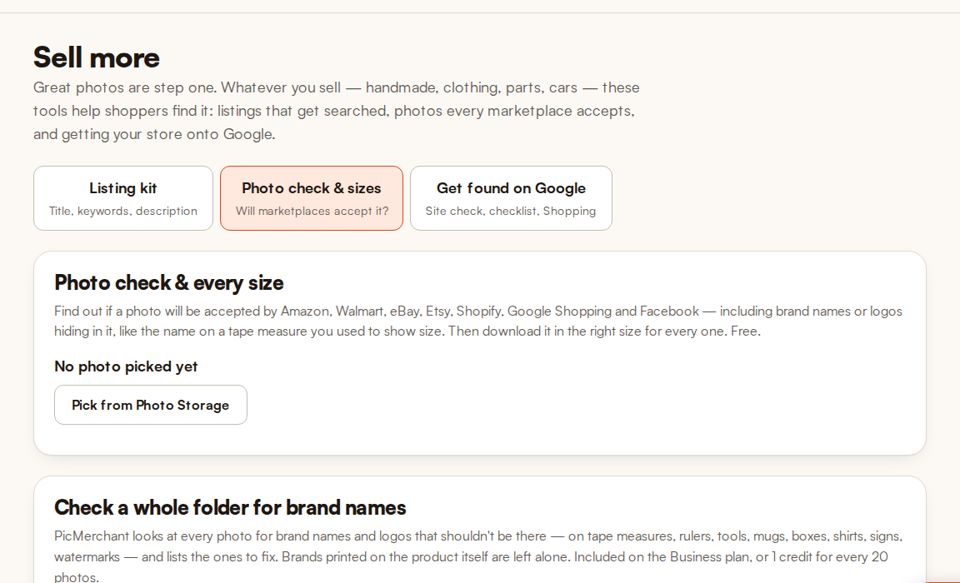
- Run the photo check — it shows what each marketplace would reject.
- Download in every marketplace size at once.
Check your photos free
The marketplace photo check and every-size download are free on every plan.
Start freeQuestions
What background does Amazon require?
The main image must be pure white — RGB 255, 255, 255 — and the product should fill about 85% of the frame.
What size should eBay photos be?
eBay requires at least 500 × 500 pixels and recommends 1600 × 1600.
Is the photo check free?
Yes. The photo check and downloading every marketplace size are free on every PicMerchant plan.
Clipping Magic, remove.bg, Photoroom, Pixelcut, Canva, Adobe Express, PhotoScissors and Slazzer are trademarks of their owners. PicMerchant is not affiliated with, endorsed by or sponsored by any of them. Their prices were taken from their own pricing pages in September and October 2026 and can change — check their sites for today’s prices.