A clean white background for your eBay photos
Buyers trust a clean photo. Take the clutter out from behind your item, size it the way eBay recommends, and do a whole stack of listings at once.
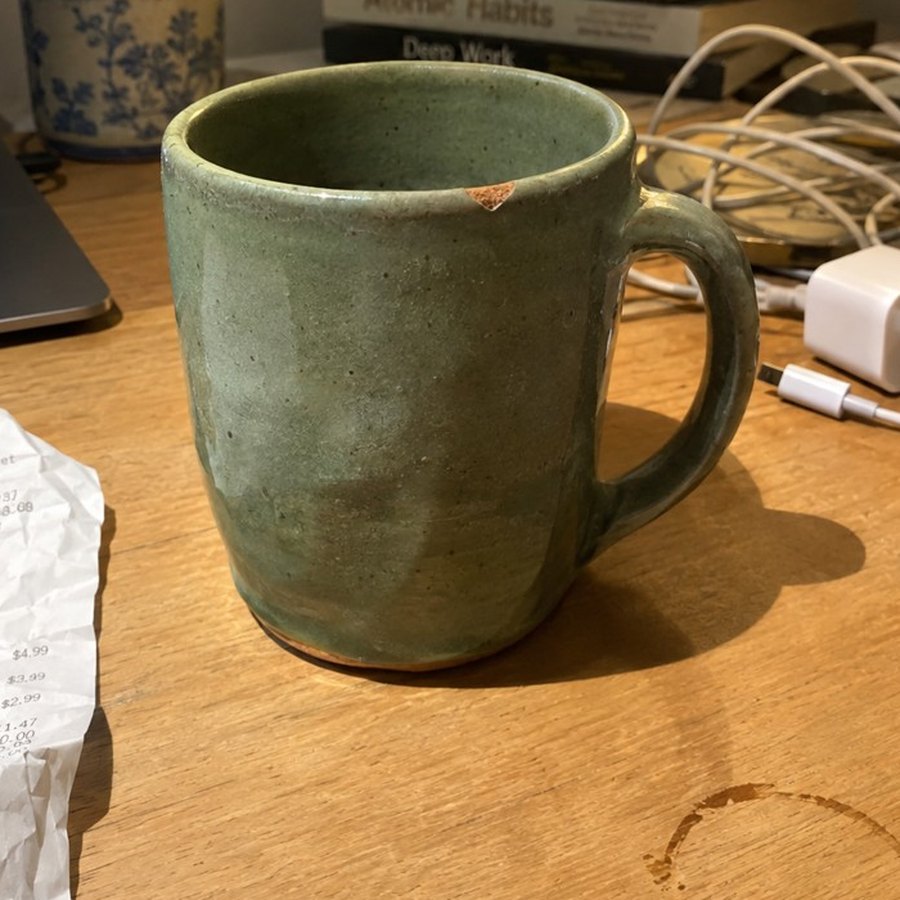
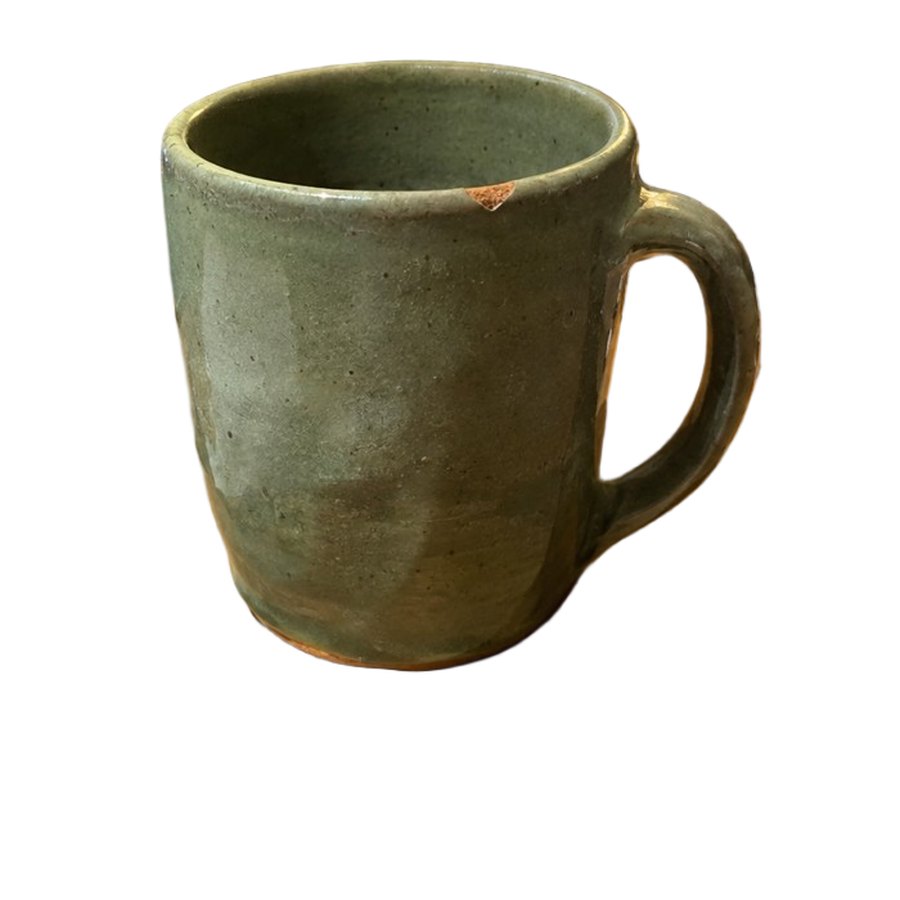
What eBay asks for
- At least 500 × 500 pixels, with 1600 × 1600 recommended so buyers can zoom.
- A plain white background is a safe choice and keeps the item free of distractions.
- Make the first photo your best, with the item centred and fully visible. It's the one that shows in search.
- Up to 24 photos per listing, none blurry or pixelated.
From eBay's photo tips for sellers, checked September 2026.
How to do it
- Sign up free and open the Editor.
- Drop in one photo or a whole batch from your phone or computer.
- Press Remove the background. Tap any spot the cutout missed to fix it.
- Download the eBay size, or drag it straight from Photo Storage into your listing.
Try 10 free background removals
No card needed. Your photos are saved in Photo Storage so you can find them again.
Start freeQuestions
What size are eBay photos?
eBay requires at least 500 × 500 pixels and recommends 1600 × 1600. PicMerchant’s eBay download is 1600 × 1600.
Does eBay require a white background?
No, but eBay calls plain white a safe choice that keeps the item free of distractions.
Can I do lots of eBay photos at once?
Yes. Drop in a whole batch and every photo is cut out together.
Clipping Magic, remove.bg, Photoroom, Pixelcut, Canva, Adobe Express, PhotoScissors and Slazzer are trademarks of their owners. PicMerchant is not affiliated with, endorsed by or sponsored by any of them. Their prices were taken from their own pricing pages in September and October 2026 and can change — check their sites for today’s prices.