Made with PicMerchant: before and after
Everyday photos taken on a bed, a porch step, a kitchen counter and a rug, turned into clean marketplace photos with PicMerchant’s own tools. Nothing here was retouched anywhere else.
One click: background off
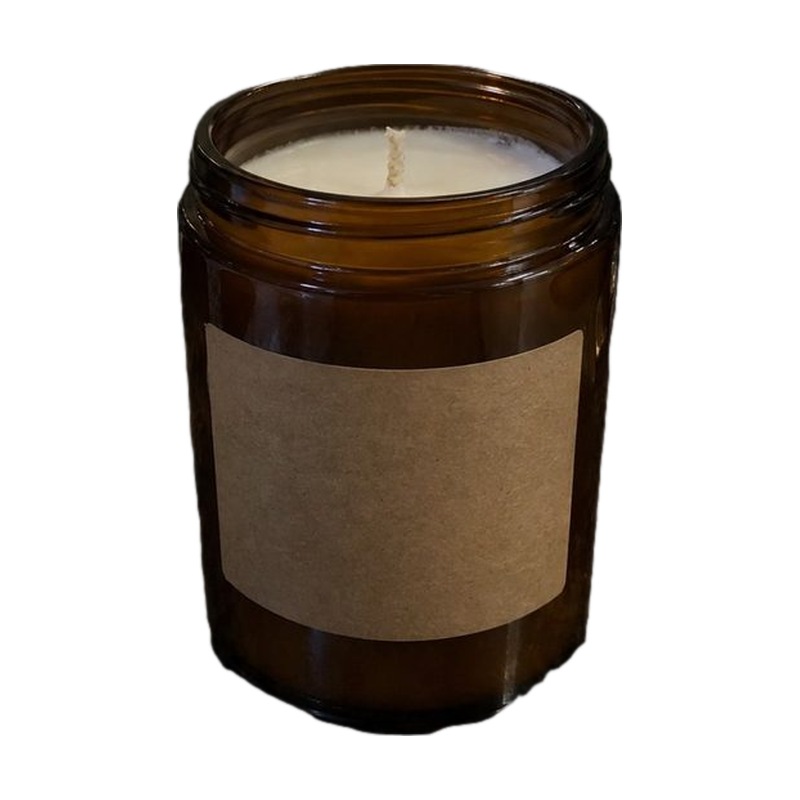
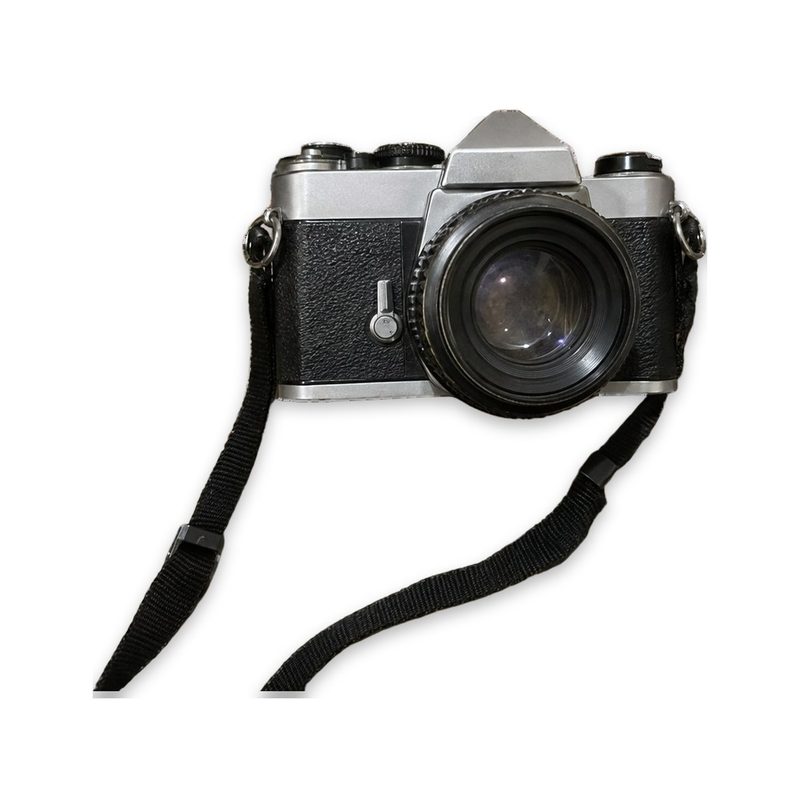
These two needed nothing but the automatic background removal and PicMerchant’s white-background finish.
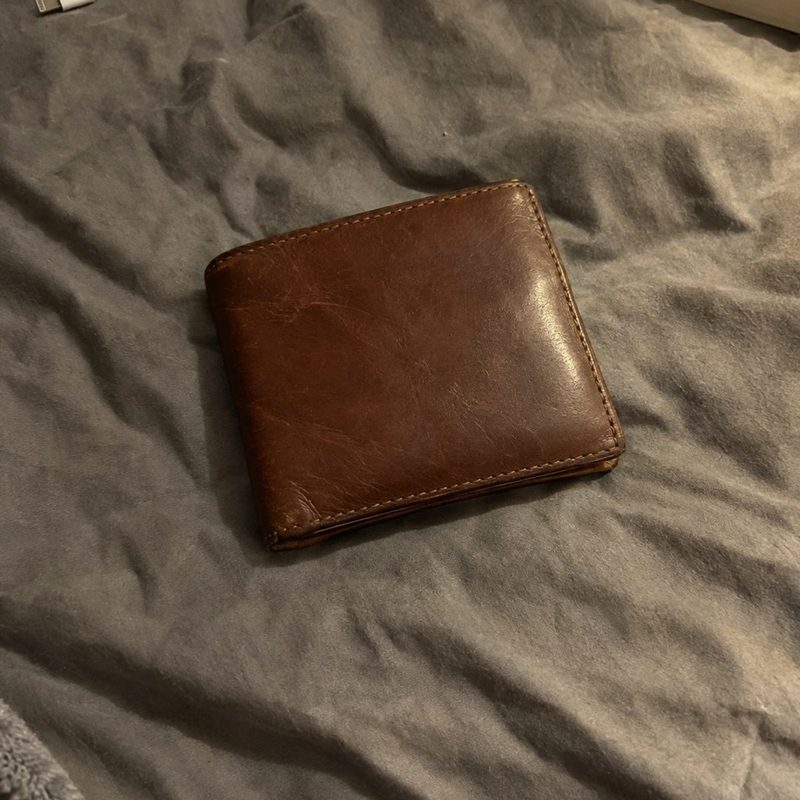
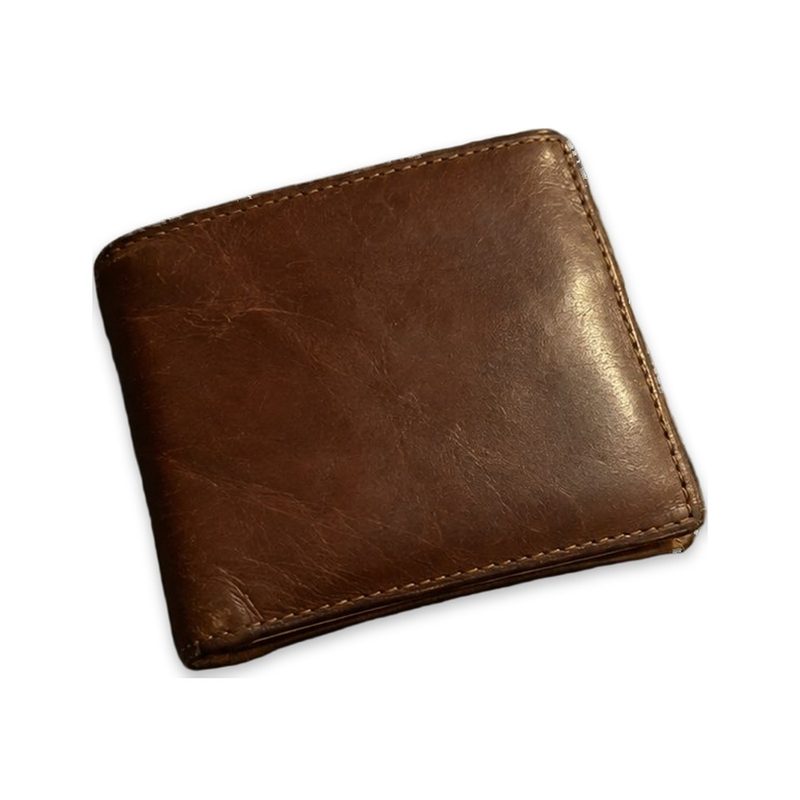
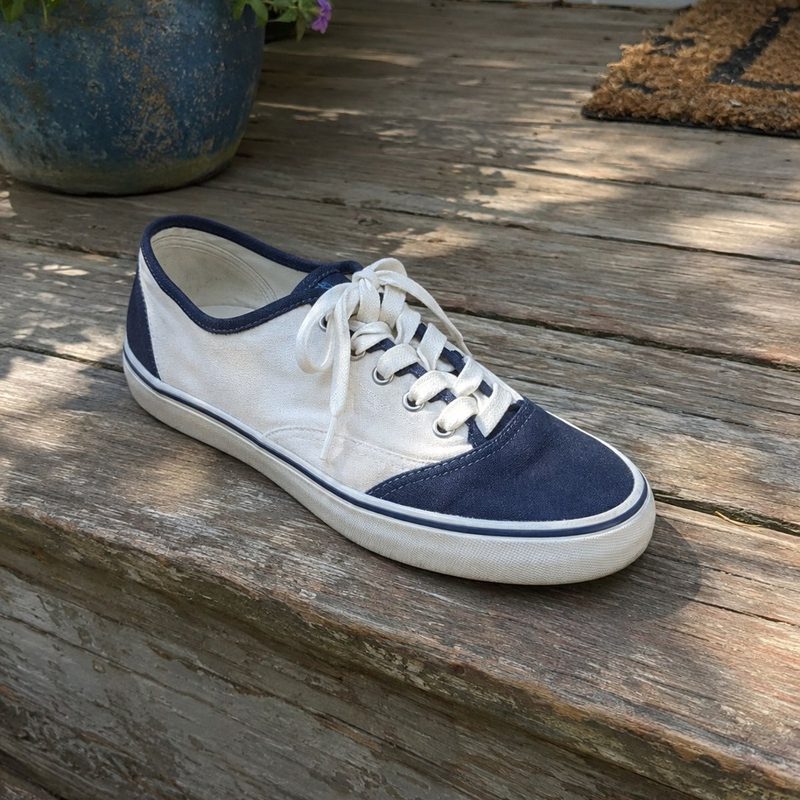
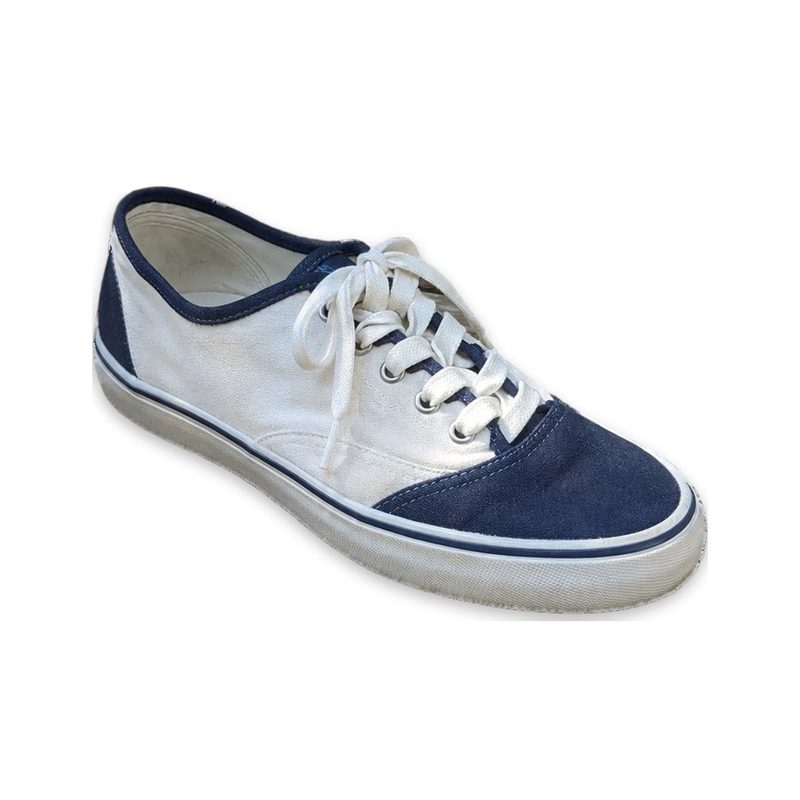
When the automatic cut keeps too much
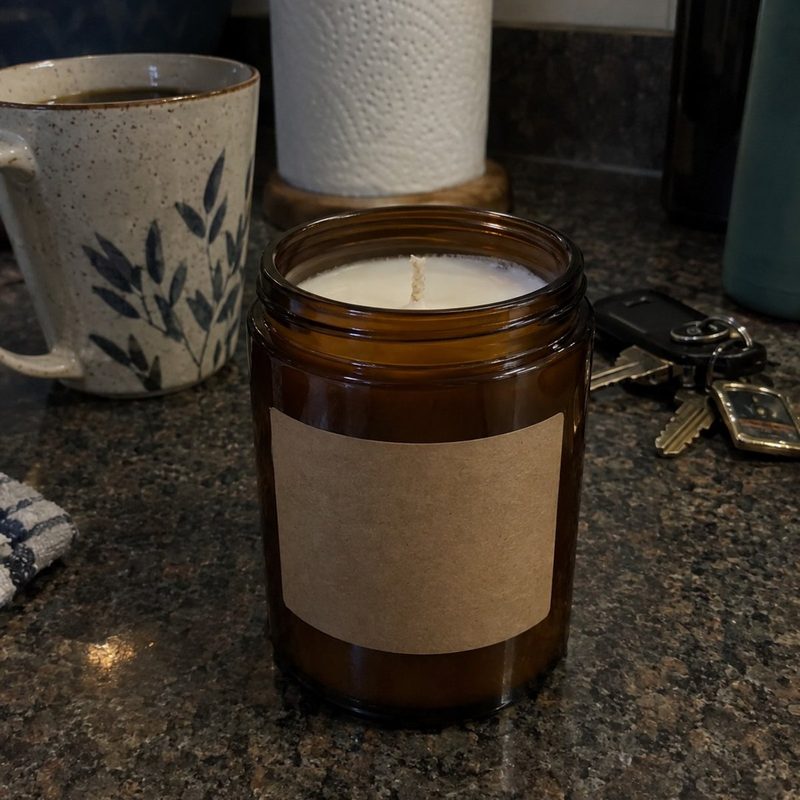
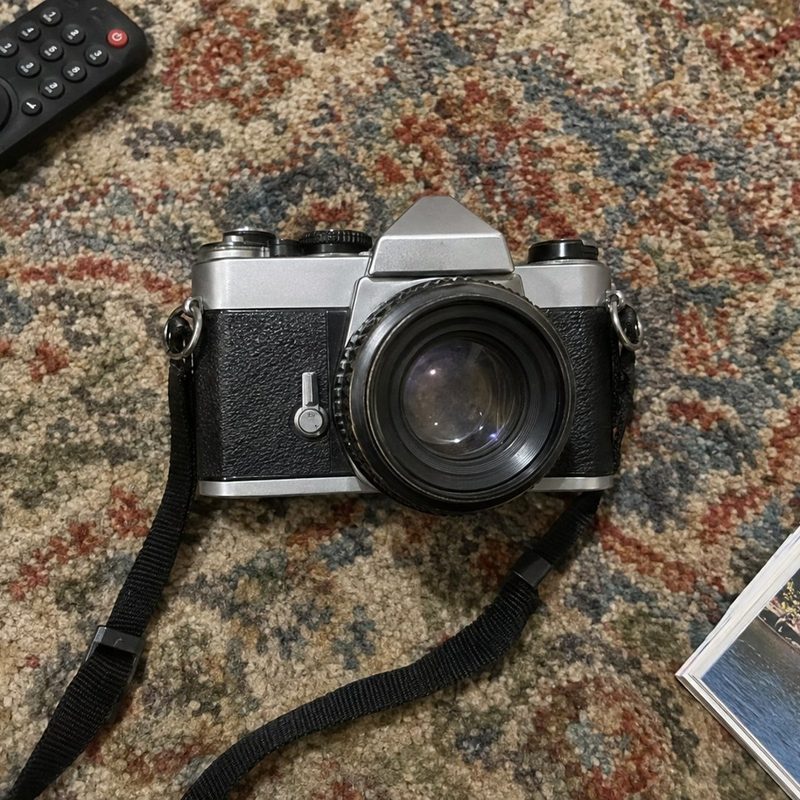
No background remover gets every photo right. Clutter that sits next to the product, like a coffee mug or a TV remote, often gets kept. Other tools leave you there. In PicMerchant you scribble red over what you don’t want, and the cut redraws in under a second.
Then put it somewhere nicer
The same candle cutout, put on a wood table with Put it in a scene. The candle is the real photo; only the room around it is new. Use a scene for the extra photos in a listing and keep the main photo on white.
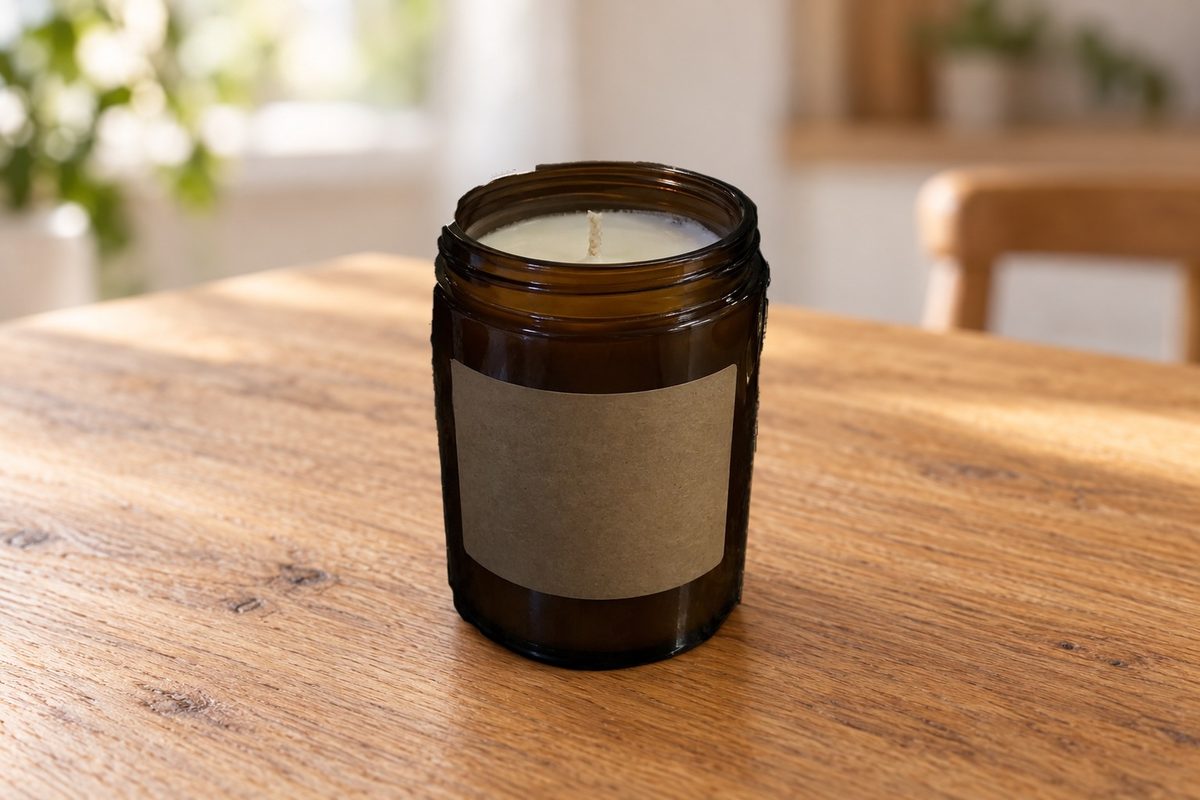
About these photos: the “before” photos are staged sample photos made to look like everyday phone shots, so no customer’s photo is shown without permission. Every “after” was made with PicMerchant’s own tools: the background remover, the hand tools, the white finish and the scene tool.
Try it on your own photos
10 free background removals and 3 AI edits. No card needed.
Start free Compare background removersQuestions
Were these photos retouched in another program?
No. Every after photo came out of PicMerchant: the automatic background removal, the red and green hand tools, the white-background finish and the scene tool.
What if the automatic cut keeps something I don’t want?
Scribble red over it in the editor and it is removed. Scribble green over anything that should stay. Hand fixes don’t use a credit.
Can I use the scene photo as my Amazon main image?
No. Amazon’s main image must be on pure white. Use the white version as the main photo and the scene for the others.
Clipping Magic, remove.bg, Photoroom, Pixelcut, Canva, Adobe Express, PhotoScissors and Slazzer are trademarks of their owners. PicMerchant is not affiliated with, endorsed by or sponsored by any of them. Their prices were taken from their own pricing pages in September and October 2026 and can change — check their sites for today’s prices.