Amazon main image requirements, in plain words
The main photo is the one shoppers see in search, and Amazon is strict about it. Here are the rules from Amazon Seller Central, and how to make a photo that passes.
The rules for the main image
- Pure white background — RGB 255, 255, 255. Off-white or light grey doesn't meet the rule.
- The product fills at least 85% of the frame. Too small looks cheap in search.
- 1,000 pixels or larger in height or width so shoppers can zoom. Not under 500 pixels on the longest side, and not over 10,000.
- No text, logos, watermarks or inset pictures unless they're printed on the product itself.
- No props or extras that aren't included, if they could confuse the buyer.
- A real photo of the actual product. No drawings, mockups or placeholders.
From Amazon Seller Central's product image requirements, checked September 2026. Amazon can change its rules; its page is the final word.
Make a main image that passes
- Upload the photo and press Remove the background. Fix any edge by hand.
- If the supplier photo has a logo or watermark, tick Take off logos and watermarks.
- Run the Photo check. It flags anything Amazon would reject, such as a grey background or a product that's too small.
- Download the Amazon size. It comes out on pure white and centred.
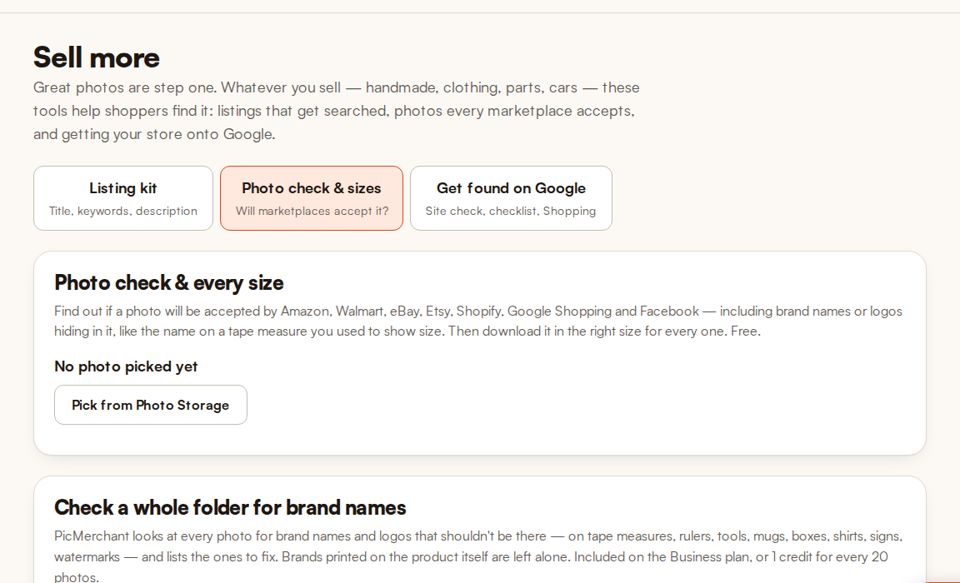
Check a photo against Amazon’s rules
The photo check and every-size download are free on every plan. No card needed.
Start freeQuestions
What colour background does Amazon require?
Pure white, RGB 255, 255, 255, for the main image. Other images in the listing can show the product in use.
What size should Amazon photos be?
1,000 pixels or larger in height or width so zoom works, and no less than 500 pixels on the longest side.
Can I put my logo on the main image?
No. Amazon doesn’t allow added text, logos or watermarks on the main image. They can appear only if they’re printed on the product itself.
Clipping Magic, remove.bg, Photoroom, Pixelcut, Canva, Adobe Express, PhotoScissors and Slazzer are trademarks of their owners. PicMerchant is not affiliated with, endorsed by or sponsored by any of them. Their prices were taken from their own pricing pages in September and October 2026 and can change — check their sites for today’s prices.