Remove the background
Your product on pure white or see-through, with clean edges. Do a whole batch at once, and fix any edge by hand.
Unlimited on a plan
For anyone who sells online
Clean product photos, real-looking scenes, short videos, listings that get found, and help getting onto Google. All in one place, and easy enough to use on your phone.
No credit card to start. Nothing to install — works right in Safari or Chrome on your Mac, PC, iPhone or iPad.

Put it in a scene New
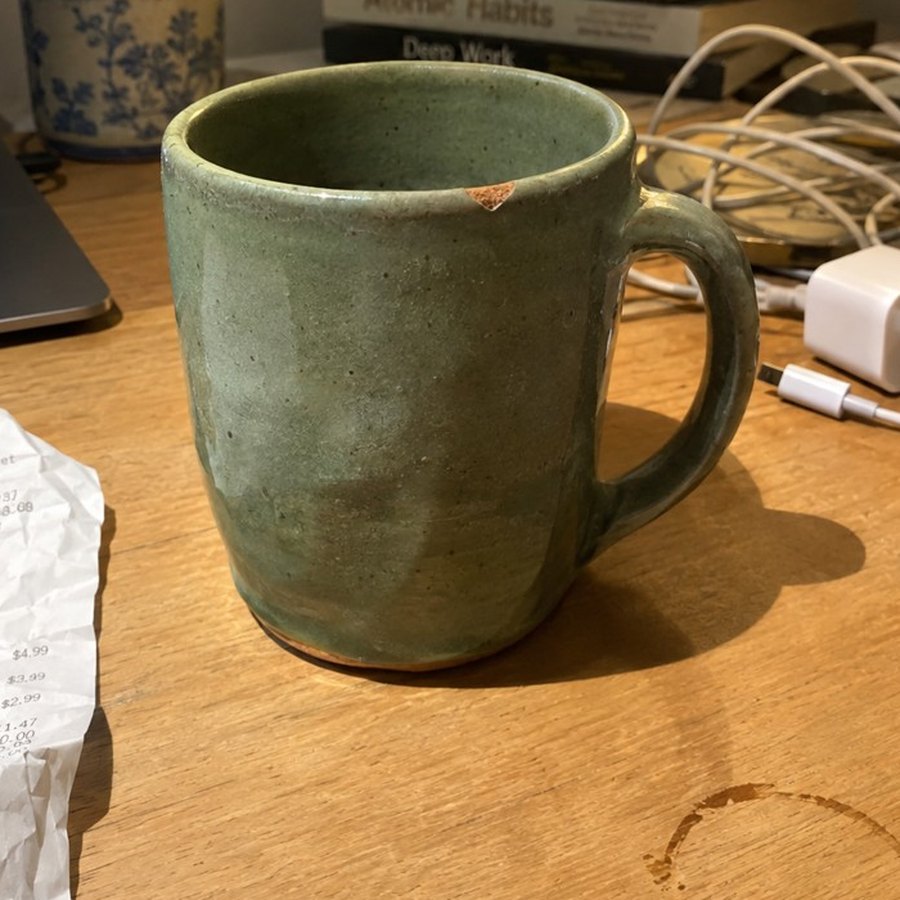
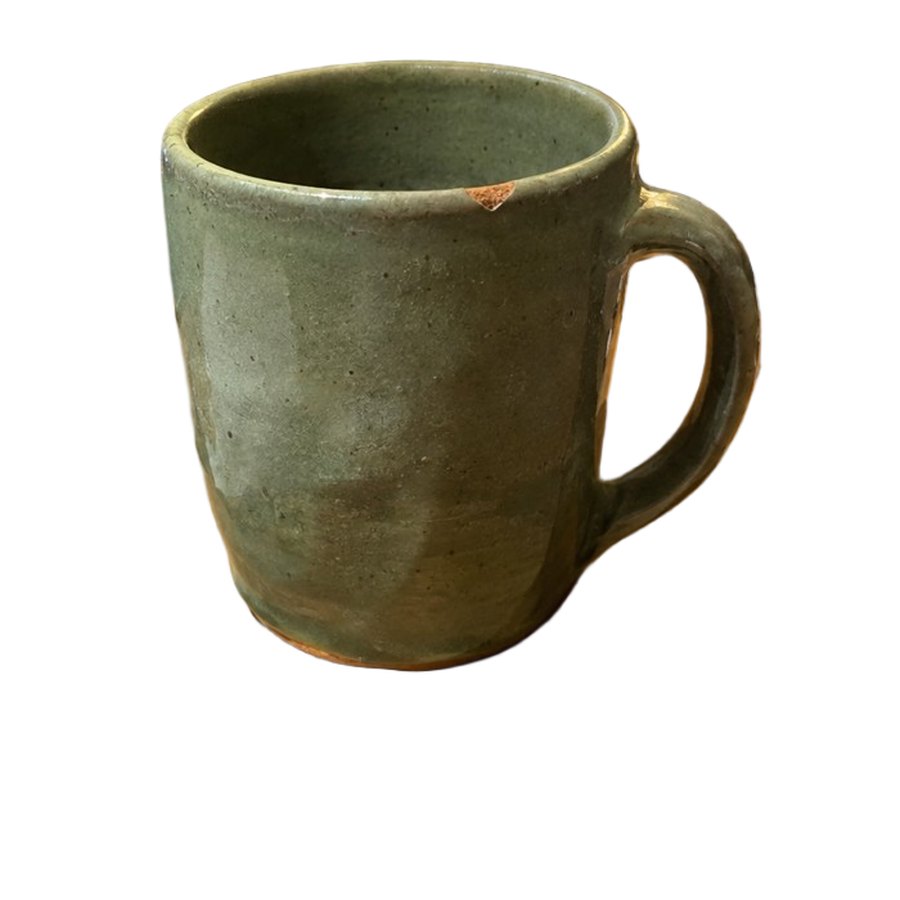
That's the mug from the photo above, now on a marble counter. The AI only paints what's around your product. The product itself is never redrawn, so buyers see exactly what they'll get.
Product videos New
Add a few photos and say what it is. PicMerchant writes the words, adds captions and a voice, and gives you a video ready for your listing, website, Reels, TikTok or YouTube.
Photo tools
Tap a tool, drop in a photo, download the result. Each paid edit shows you a preview first.
Your product on pure white or see-through, with clean edges. Do a whole batch at once, and fix any edge by hand.
Your real product on a kitchen counter, a workbench, a patio or in a garden. Or a plain studio backdrop for free.
Take off an old logo, price or watermark and brighten dark shots. Do a whole batch at once instead of one by one.
Put the item from one photo into another. Good for bundles, sets and showing what comes in the box.
Sale banners, prices and labels in clean, readable fonts. Eight ready-made styles.
Not sure which tool? Just type or say what you want, like “white background and add 50% off”.
Everything you make is saved in folders you name. It opens like a drive in Finder on a Mac or File Explorer on Windows, so you can drag photos straight into your listings.
Check a photo against Amazon, eBay, Etsy, Walmart, Shopify, Google and Facebook rules, and download it in every size.
Selling tools
Pick a photo and get the title, search keywords, description, Google text and a social post, each with a Copy button.
Check whether Google can find your store, follow a simple step-by-step checklist, and get a free Google Shopping product feed.
Spot brand names and logos in a photo before a marketplace does, so a listing doesn’t get pulled.
Type your business name and what you sell, pick a style and colours, and get a logo pack for your store, labels and social pages, in light and dark versions.
Took hours to get the shot? Put your logo, your name, stripes or big initials on it, one photo or a whole batch, so nobody can pass it off as theirs. A clean copy is always kept for Google Shopping, eBay and Amazon.
Put out a show every week? Paste the transcript and get five titles, a full description with chapters, hashtags, tags, social posts and a pinned comment, plus a thumbnail with your words spelled right. Save your show once and next week is just a paste. Open the Episode kit
Start here walks you through it in five steps: your first good photo, a listing, where to sell and what each marketplace charges, and getting found on Google. There's also a two-minute guide to every tool.
How it works
From your phone or computer, or pick one you've already saved. iPhone photos work.
Each tool is one big button. Not sure which? Type what you want and it picks for you.
See a preview first. Keep it, try again free, or don't pay for it. Then download and list.
Simple pricing
Try every tool. No card needed.
For most sellers.
For busy shops and teams.
Rather not subscribe? Credit packs start at 25 credits for $7 and never expire. See full pricing
Scenes and videos use your own photos. We don't let AI invent details on the thing you're selling.
Paid edits show a watermarked preview first. Not right? Try again free, or tap “Don't charge me for this”.
Change or cancel your plan from your Account page. Your card statement shows PICMERCHANT.
Make a free account and try every tool, including a product video. No card needed.
Create your free account