Take old logos and watermarks off your product photos
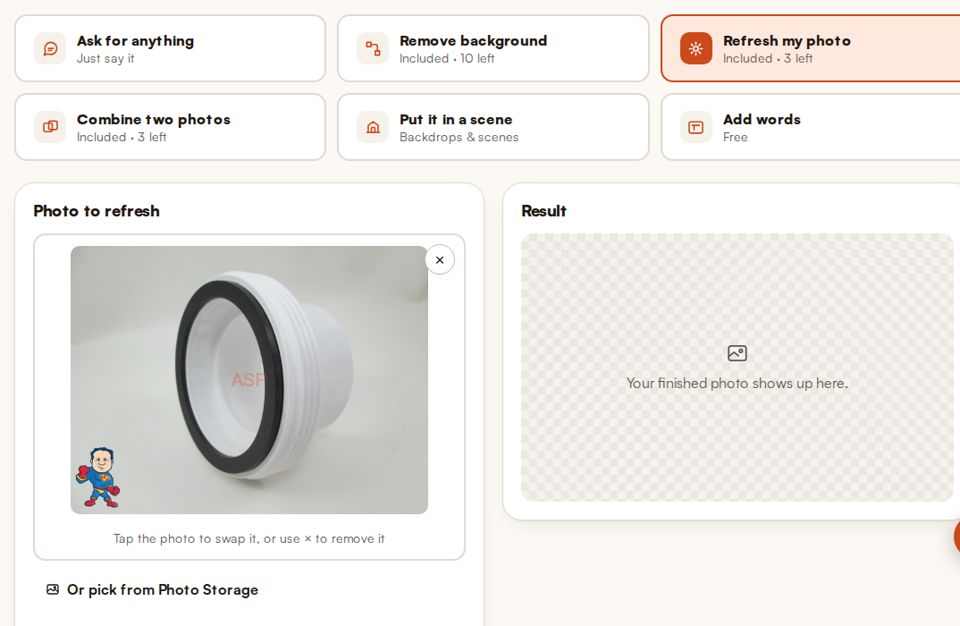
Old store logos, stamped prices and watermarks make a good photo useless. PicMerchant takes them off a whole batch at once, so you can reuse the photo instead of shooting it again.
What it takes off
- Your old logo or store name from a previous website or marketplace.
- Prices, sale stickers and dates stamped on the picture.
- Watermarks on photos you're allowed to reuse, like a supplier's photos you have permission for.
Only use it on photos you own or have permission to use. Taking a watermark off someone else's photo doesn't give you the right to use it.
How it works
- Open the Editor and choose Bulk.
- Drag in your photos, or pick a folder from Photo Storage.
- Tick Take off logos and watermarks. Tick Keep the background if you only want the logos gone.
- Check the results and save them to a folder.
Clean up a batch of your own photos
Free to try, with no card needed.
Start free Bulk toolsQuestions
Can it remove a watermark from any photo?
It works on photos you own or have permission to reuse. It isn’t meant for taking other people’s watermarks off their photos.
Can I do a whole folder at once?
Yes. Pick Bulk, drop in the batch and tick Take off logos and watermarks.
Will it cut out the background too?
Only if you want it to. Tick Keep the background to leave everything except the logo as it was.
Clipping Magic, remove.bg, Photoroom, Pixelcut, Canva, Adobe Express, PhotoScissors and Slazzer are trademarks of their owners. PicMerchant is not affiliated with, endorsed by or sponsored by any of them. Their prices were taken from their own pricing pages in September and October 2026 and can change — check their sites for today’s prices.